GTA 6 GUIDES.
Prepare for GTA 6 with guides to PS5 and Xbox settings, controllers, screens, downloads and console ventilation.
Start with a clear answer
Which console, screen and controller should you prepare for GTA 6?
If you already own a PS5 or Xbox Series X|S, configure that setup before replacing it. Check Game Mode, the HDMI connection, picture calibration and controller comfort. When choosing a screen, verify its actual console features: an advertised 120 Hz refresh rate does not establish a 120 FPS mode in GTA VI.
Read the full explanationHow can you set up a PS5 or Xbox controller before GTA 6?
Prepare controller lights, sound, vibration and connection through your console’s menus, following the steps for PS5 or Xbox. Their controllers do not share every feature. GTA VI’s own settings must be checked when the game is available; this guide covers what you can configure now and how to verify each change.
Read the full explanationHow should you prepare HDMI, VRR and HDR on PS5 or Xbox for GTA 6?
Check that the console, cable and display port support the signal you want to use. Enable Game Mode and review your platform’s video settings. VRR, HDR and display refresh rate do different jobs; a 120 Hz screen does not make every game produce 120 FPS or establish GTA VI’s performance modes.
Read the full explanation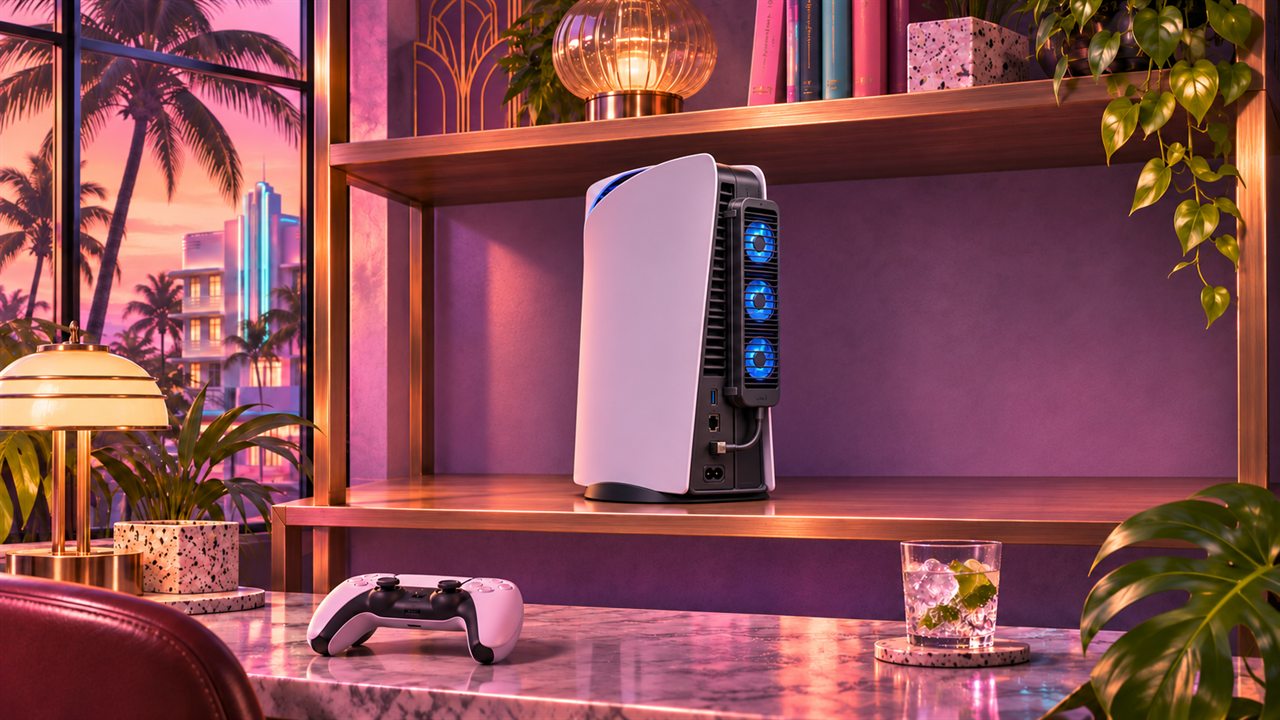 Guides
PS5 and GTA 6: ventilation and clip-on console coolers.
Five clip-on PS5 Slim or Pro coolers, including the supplied AliExpress model. Check console fit and USB connections before buying.
Read the guide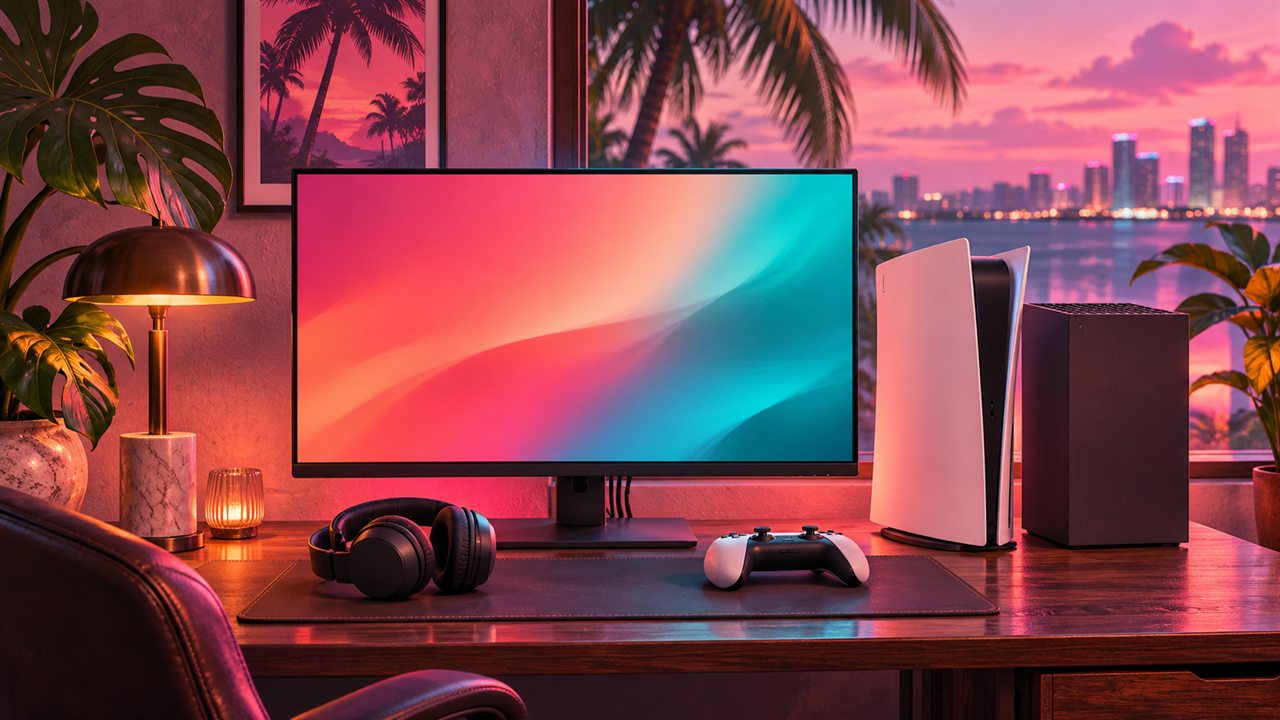 Guides
Play GTA VI better: build the right setup.
Which console and screen to choose, what HDMI actually supports, and how to prepare your controller and video settings without paying for promises.
Read the guide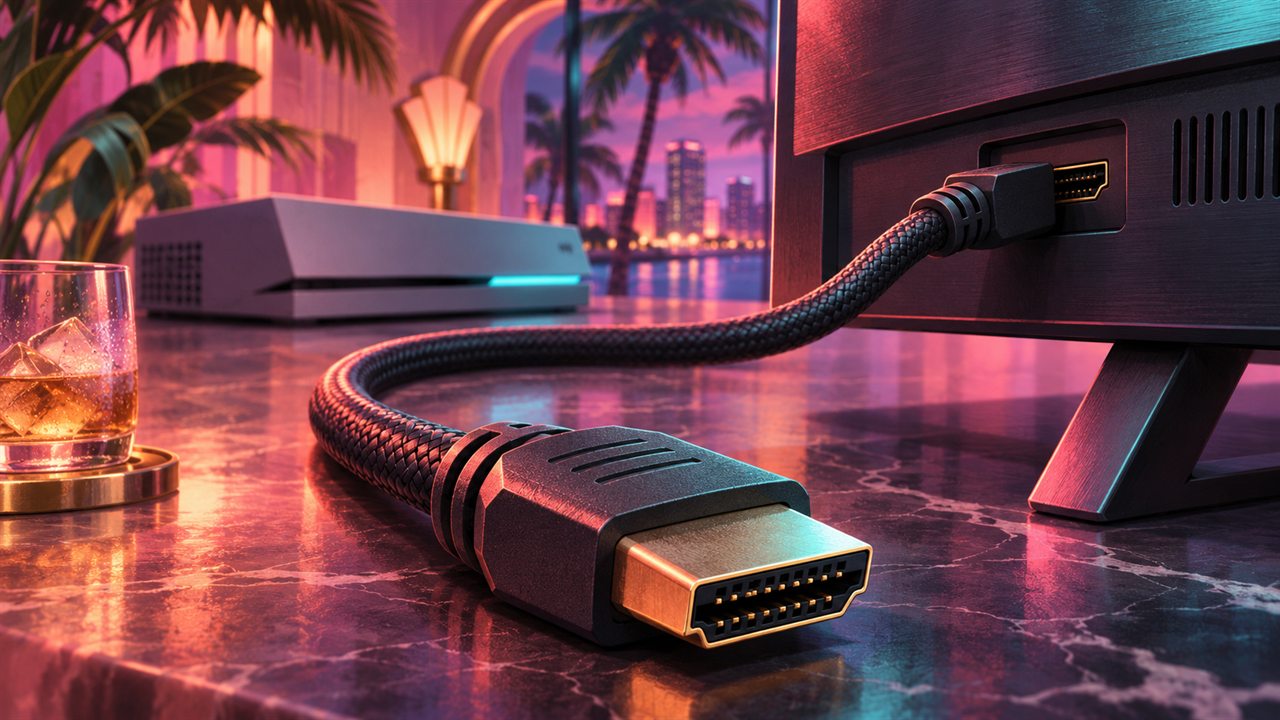 Guides
HDMI, VRR and HDR: get the signal right.
A practical connection guide for console players: choose the right port and cable, understand the labels and diagnose a missing feature.
Read the guide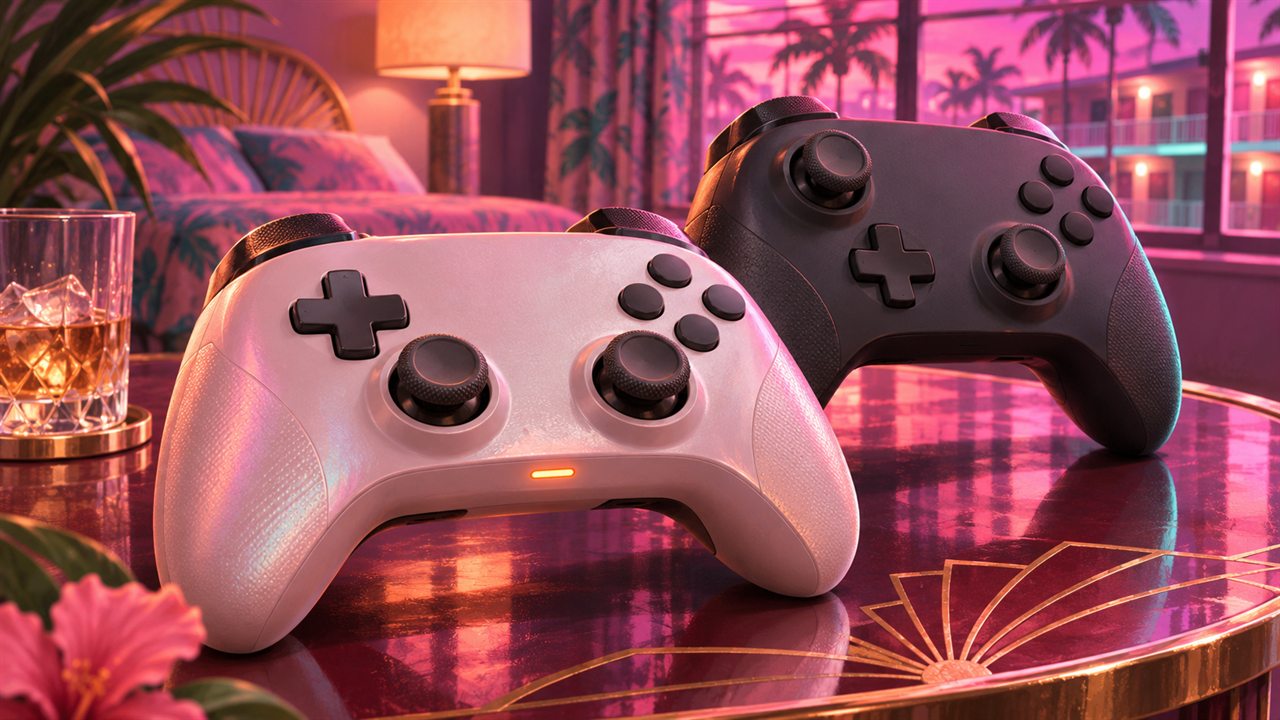 Guides
GTA 6 controller setup: step-by-step PS5 and Xbox guides.
Follow the menus for controller lights, sound, vibration, triggers and connections, then build a comfortable aiming routine.
Read the guide Launch
GTA 6 preload guide: prepare the download on PS5 and Xbox.
GTA VI preload dates, what to prepare, and the difference between downloading the game and being able to play.
Read the guide Launch
GTA 6 physical edition: download code, region and delivery.
What a GTA VI boxed copy actually contains, and the account checks worth making before buying one.
Read the guide Guides
GTA 6 Standard vs Ultimate: compare editions and extras.
A practical way to compare GTA VI editions without confusing the base game, edition extras and preorder offers.
Read the guide Guides
GTA 6 launch checklist: prepare your purchase and console.
A practical preparation plan for your console, purchase and first session, without pretending to know the unreleased game.
Read the guideThis category opens when verified guides are available. Explore the launch library for now.